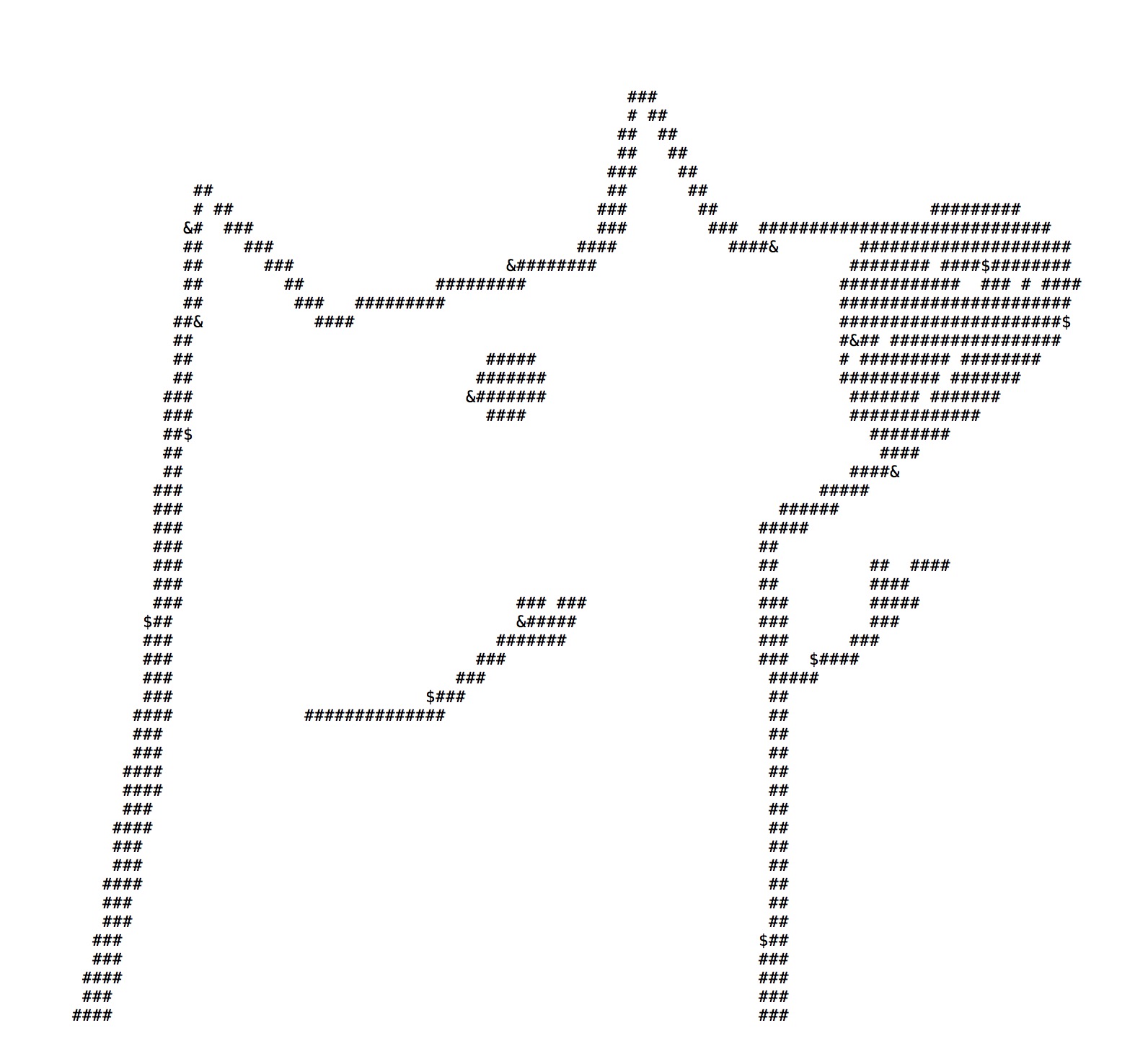
原理
把图片各像素根据灰度值转成不同的自定义字符串然后显示出来。
依赖库
使用第三方库pillow:
sudo -H pip --default-timeout=100 install pillow
实现
#!/usr/bin/python
# -*- coding: utf-8 -*-
from PIL import Image

ascii_char = list("##$&      ")
count = len(ascii_char)

def toText(image_file):
string = ''
for h in range(0, image_file.size[1]):  # h
    for w in range(0, image_file.size[0]):  # w
        r, g, b = image_file.getpixel((w, h))
        gray = int(0.2126 * r + 0.7152 * g + 0.0722 * b)
        unit = 255.0 / len(ascii_char)
        string = string + ascii_char[int(gray / unit)]
    string = string + '\n'
return string


image_file = Image.open("lks.jpg")
image_file = image_file.resize((int(image_file.size[0]*0.2), int(image_file.size[1] * 0.1)))  # 调整图片大小

print u'Info:', image_file.size[0], ' ', image_file.size[1], ' ', count

with open('lks.txt','w') as f:
f.write(toText(image_file))
效果图